Free online expense tracker
Track every expense in about ten seconds a day — no signup, no install, no bank connection. Everything stays in your browser, forever.
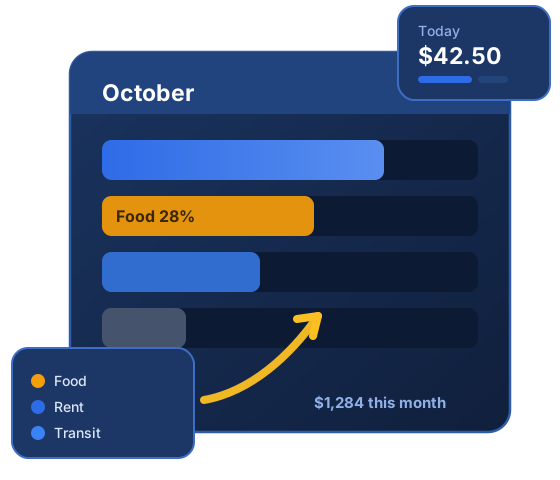
Recent entries
Your data lives only in this browser — export a CSV backup regularly (and after adding a batch of entries).
Four core tools, zero signup
Every tool runs right here in your browser — nothing to install, no account, and nothing you type is sent anywhere. Start with the tracker, run the numbers in a calculator, and let the two cross-check each other: a calculator sets the target, the tracker shows whether the month obeyed.


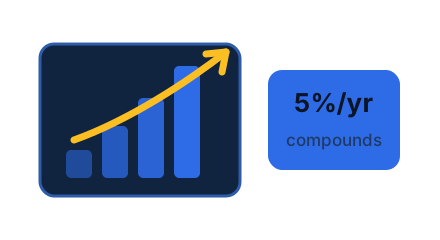
More calculators

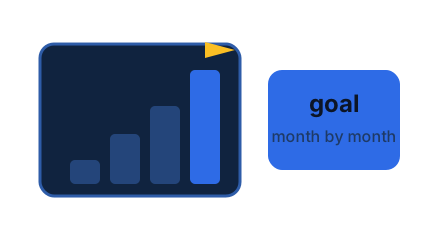
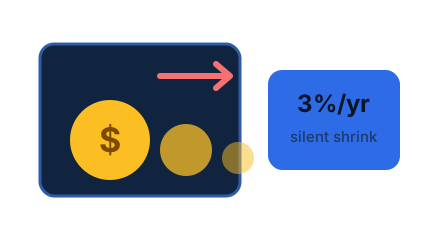
Guides and deep dives
The method behind the numbers. Each guide is written to be executed, not admired — real dollar amounts, steps in order, and the free tools linked at the exact moment they do the job. Start with tracking, add the 50/30/20 split, then pull the levers that move real money.
Trackers, templates and topics








Learn: the numbers behind a healthy budget
Budget advice sounds abstract until it is expressed as caps on a real income. These are the healthy shares this site grades against — they are ceilings per category, not a quota to spend up to, and most healthy months land under several of them at once. On $4,000 take-home the whole system fits in one table:
| Category | Healthy share | On $4,000 |
|---|---|---|
| Housing | up to 28% | $1,120 |
| Food & groceries | up to 12% | $480 |
| Transport | up to 12% | $480 |
| Utilities & phone | up to 7% | $280 |
| Fun & dining | up to 7% | $280 |
| Health | up to 4% | $160 |
| Shopping | up to 4% | $160 |
| Subscriptions | up to 3% | $120 |
| Savings (floor, not cap) | at least 20% | $800 |
- Track one month honestly. Enter everything in the tracker for four weeks — the ten-second habit, no judgment. Most first months surface 10-15% of spending the tracker owner did not remember.
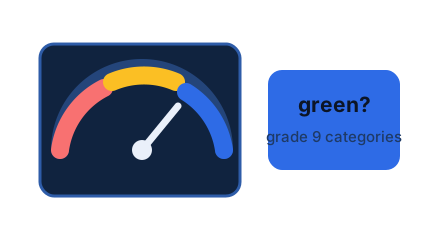
- Grade every category. Run the month through the budget health check: green categories stay untouched, yellow ones get watched, and usually only one is red.
- Fix the single reddest category. One lever, one target 20% below last month, one month. Then re-grade. A budget that improves one category a month beats a perfect plan that dies in week three.
The three steps loop: track, grade, pull one lever. Everything else on this site — the 50/30/20 calculator, the emergency fund targets, the guides below — plugs into that loop at the step where you need it.
Upgrade your tracking
App links are independent reviews; we may earn a commission on signups at no cost to you. See disclosures.
Why SpendKit instead of an app
Nothing to install
The tracker is the page. Open it on any device, start typing, and your entries appear — works fully offline because your data lives in the browser.
Private by architecture
No bank connection, no account, no sync. Entries are stored locally and exports write straight to your device — there is nothing on a server to leak.
Guides that execute
Our budgeting guides are written to be run: one number to start, one lever per month, targets you can hit. Beginners finish week one with a real baseline.